What’s new
HappyKeywords gets better every few days. Here’s what landed, newest first. Follow by RSS
Version 0.9.427
Try it free for 7 days
Download and press Start the free trial: everything works except uploading to App Store Connect and Export. No card and no account; the trial runs on your Mac and shows the days left in the sidebar. Your apps, keywords and ranks stay when you enter a key.
Version 0.9.419
Safer uploads
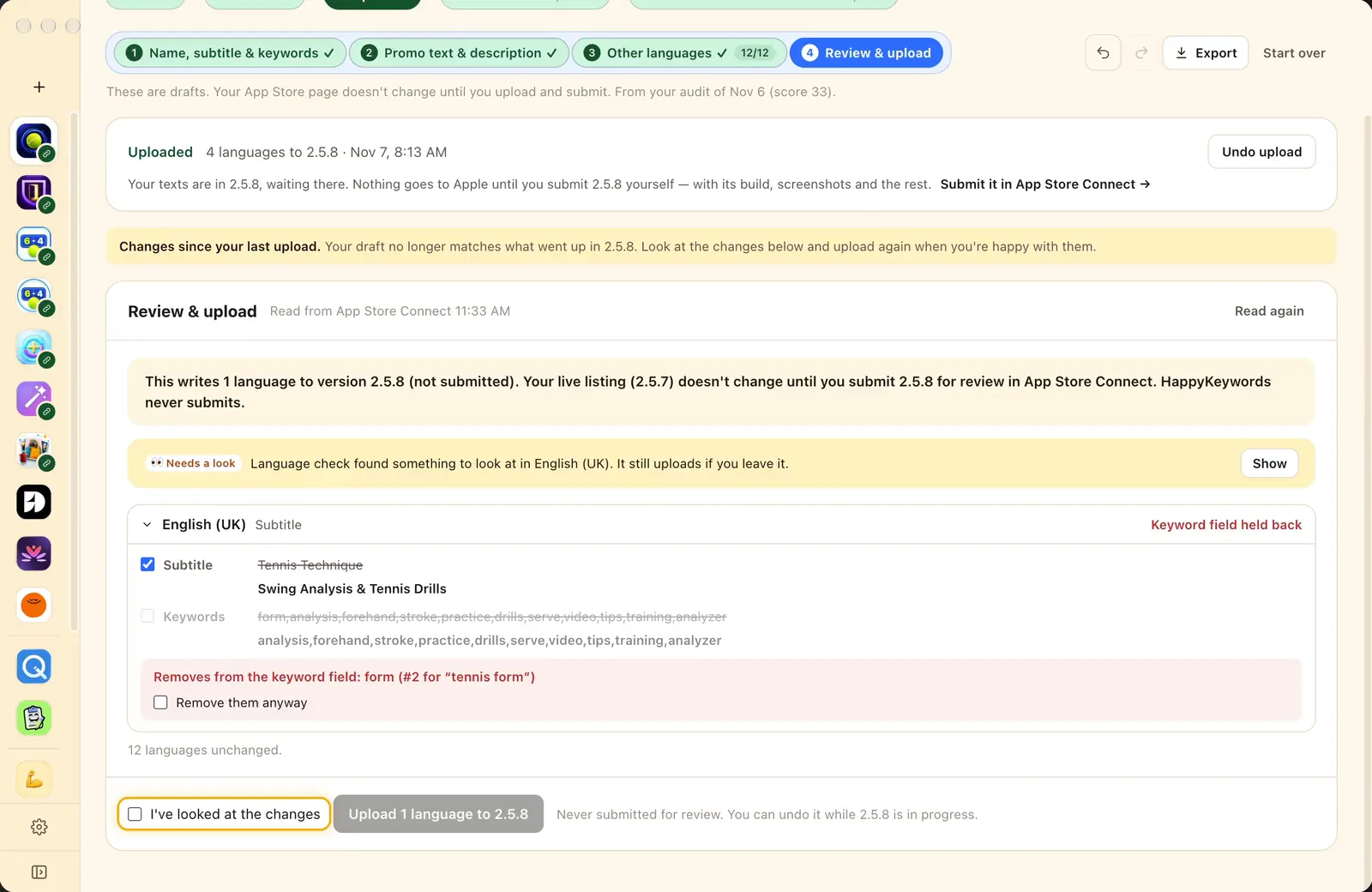
Review & upload holds back a language that would lose a search you rank for, and says why in plain words. New languages get your support and privacy links. While a version is with Apple, you see the next one's plan, ready the moment it goes live.
Version 0.9.390
Early Access is open, with the AI Advisor
Ask the AI Advisor about your app in a panel beside the page: it answers from your real numbers and opens the step that does the work. Also new: Send feedback from inside the app, and your AI use by step in Settings → AI.
Version 0.9.288
The Early Access build
Everything below, ready for Early Access, with a download for Apple silicon Macs and one for Intel Macs.
Your AI agent can use HappyKeywords
Claude Code, Codex, Cursor or Claude connect in one click from Settings → AI apps (MCP), then check ranks, run the Audit and write listings from chat.
Easy mode: Make my listing
One OK and HappyKeywords runs the steps for you: options, your pick, every language, then the review before upload.
Language check
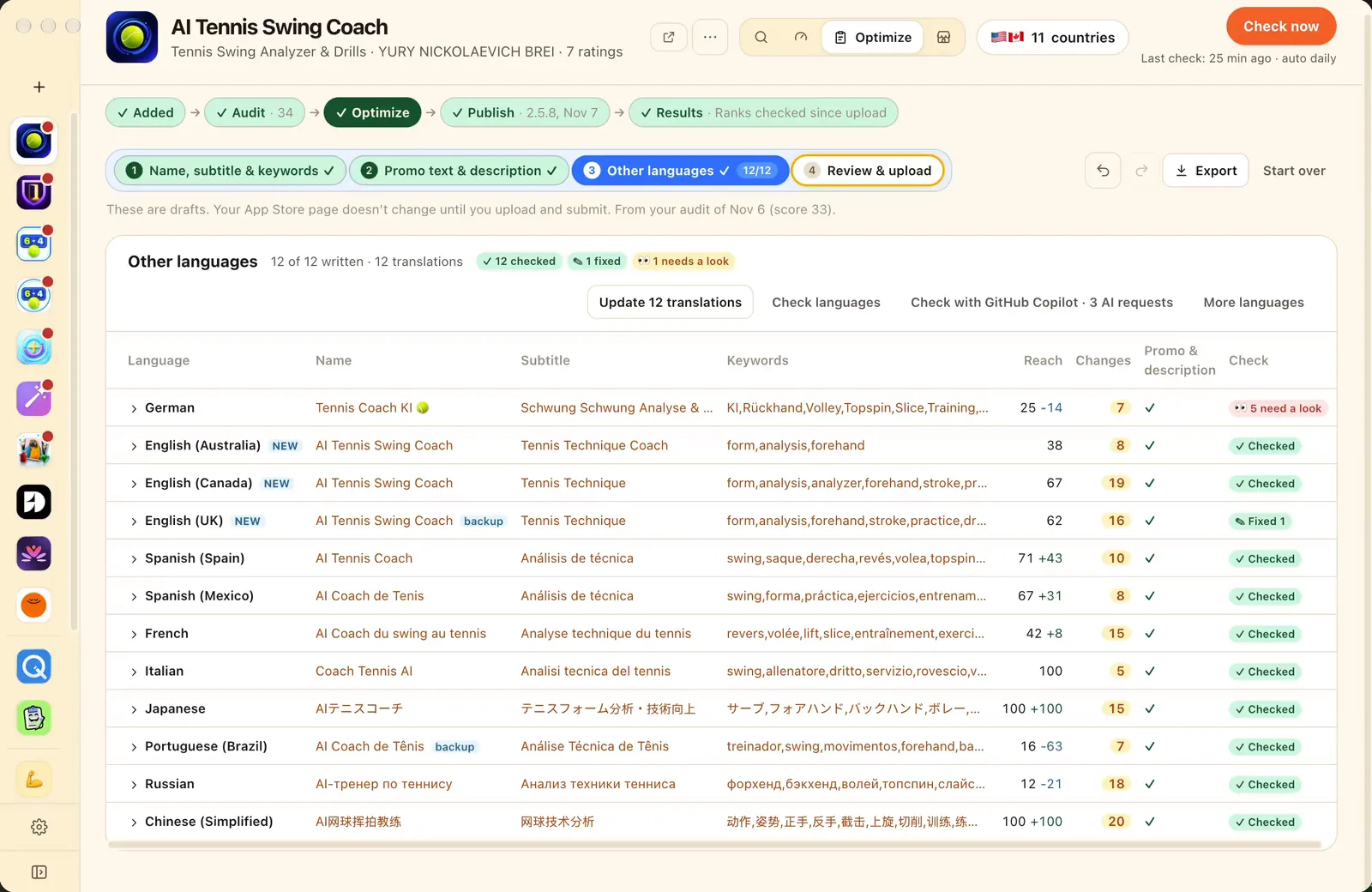
Emoji, symbols and price words in names, subtitles and keyword fields are flagged before Apple sees them, with Fix in one click.
Names checked with Apple
Find out a name is taken before you upload, and save a free one to your draft version in App Store Connect.
Upload with Undo
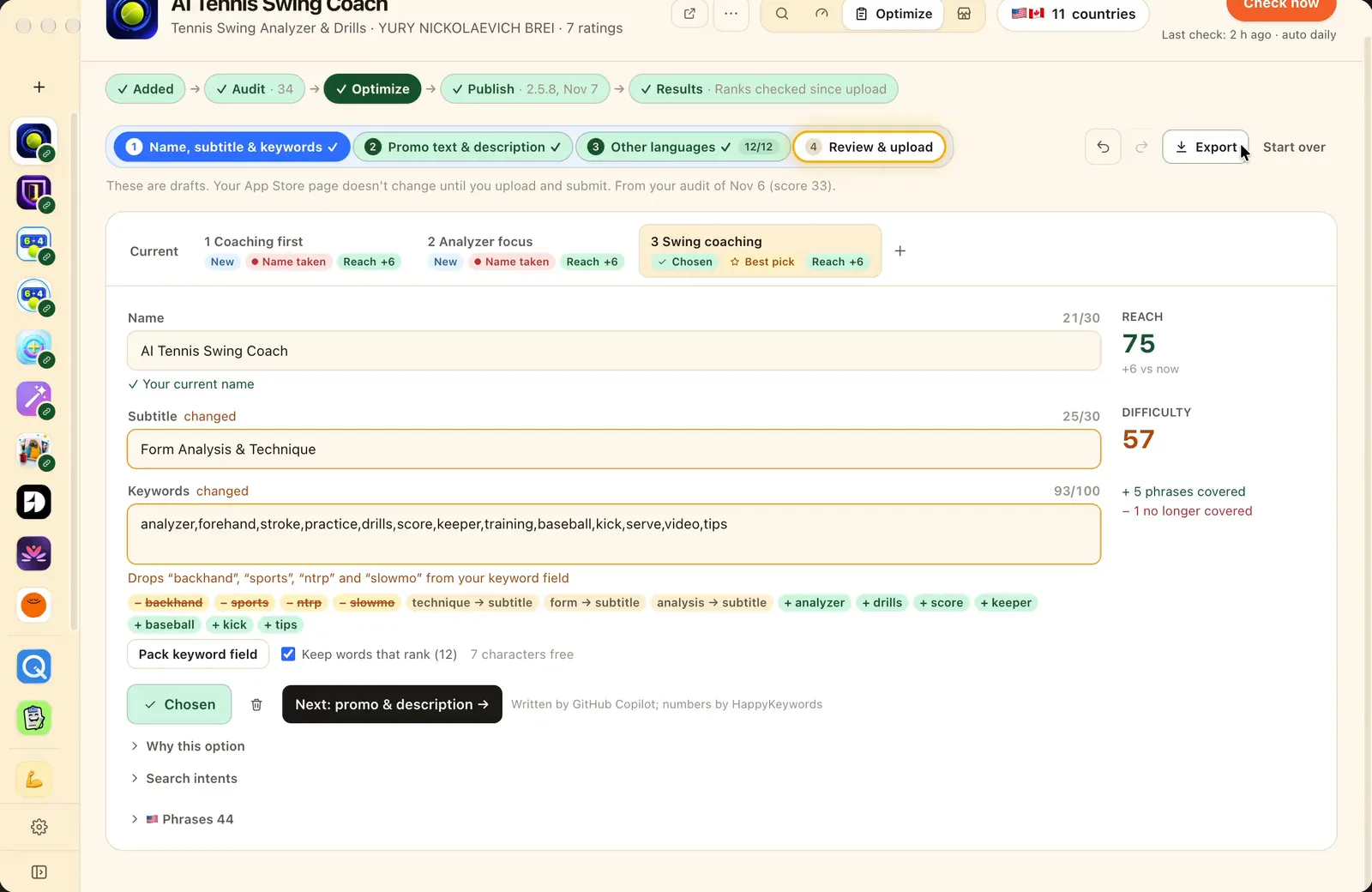
Every change listed first, keywords you rank for kept, then the upload into your draft version in App Store Connect. Undo puts it back.
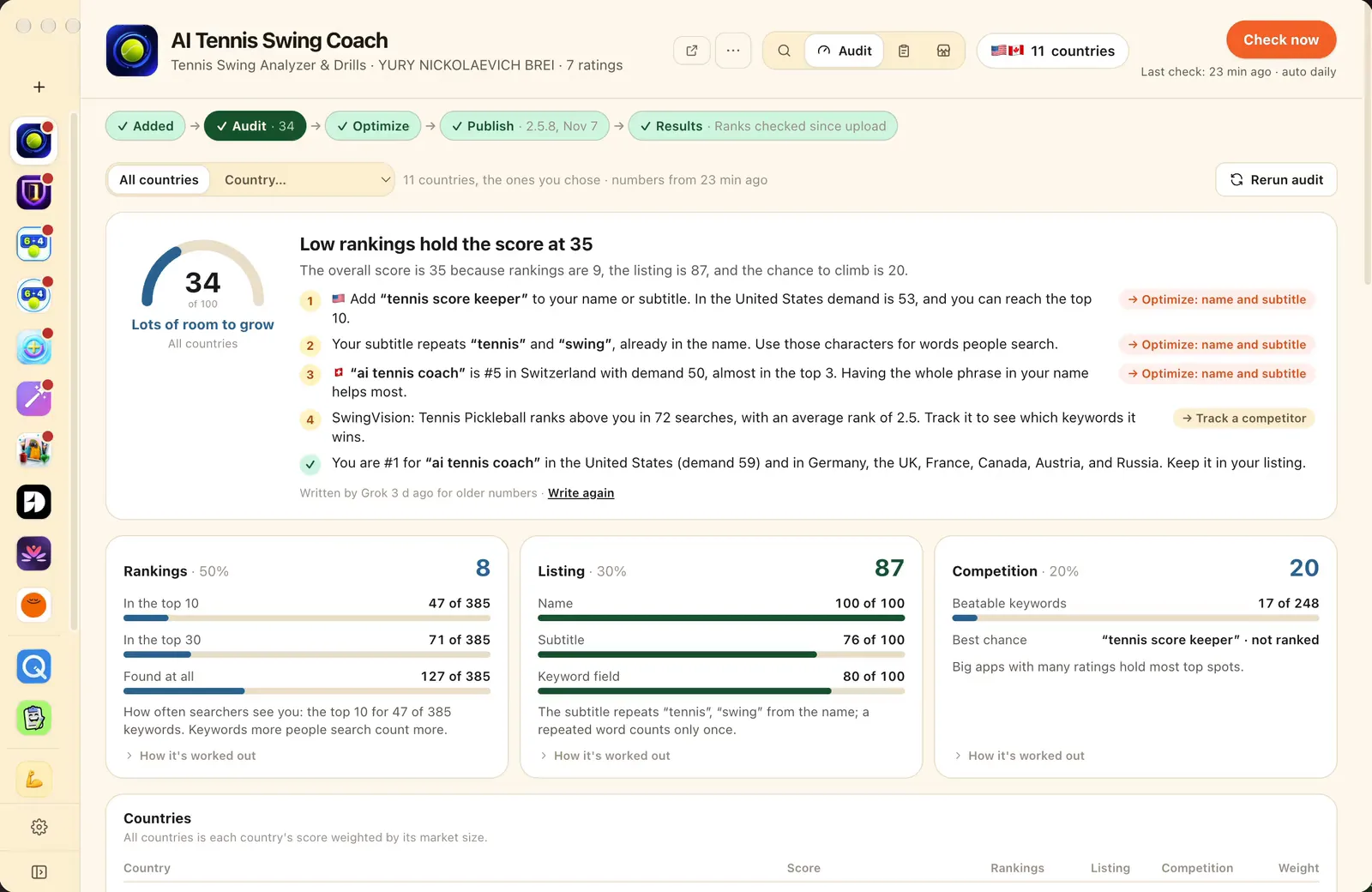
The Audit tab
A score out of 100 for each country and for all of them, worked out from your own numbers, and what to fix first.
Seven AIs to choose from
Gemini, GitHub Copilot, Grok and OpenCode join Claude Code, Codex and Ollama. Use the one you already have.
Hot niches and product ideas
Find niches from Apple's top charts, explore one, and read product ideas built on its measured keywords.
Keywords in each country's language
Your keywords are localized for every country and kept in English where people search in English more.
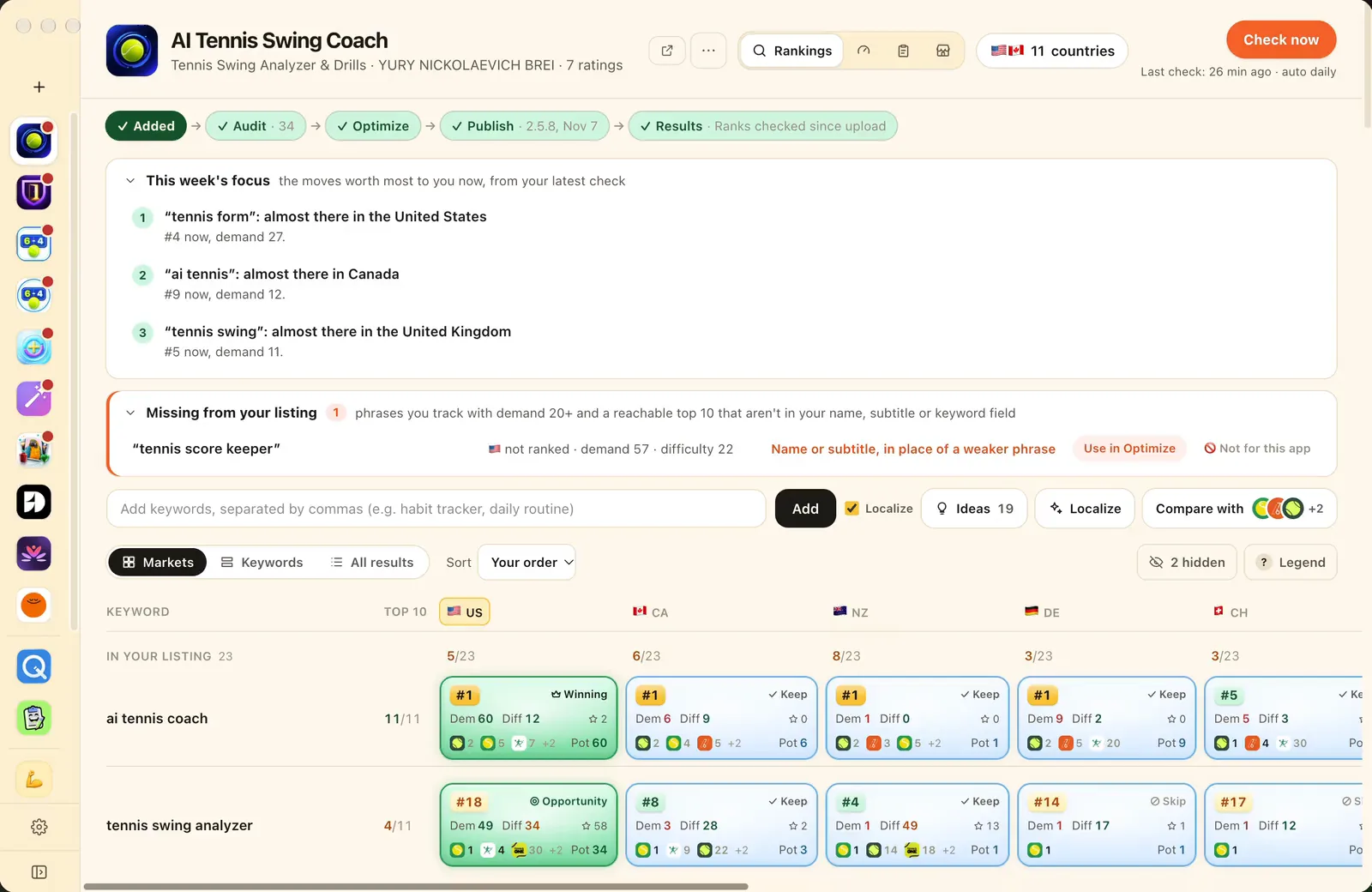
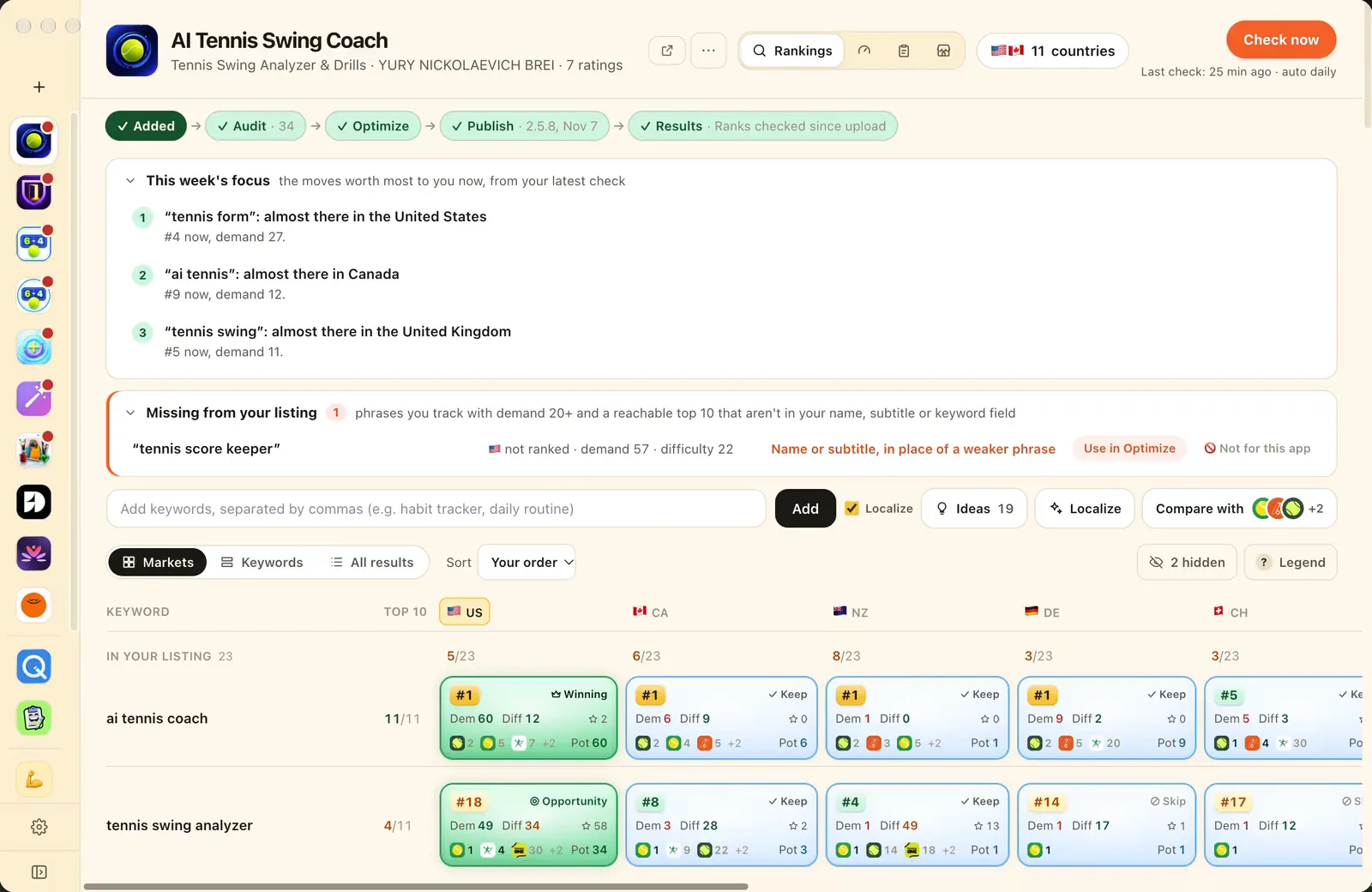
The keyword board
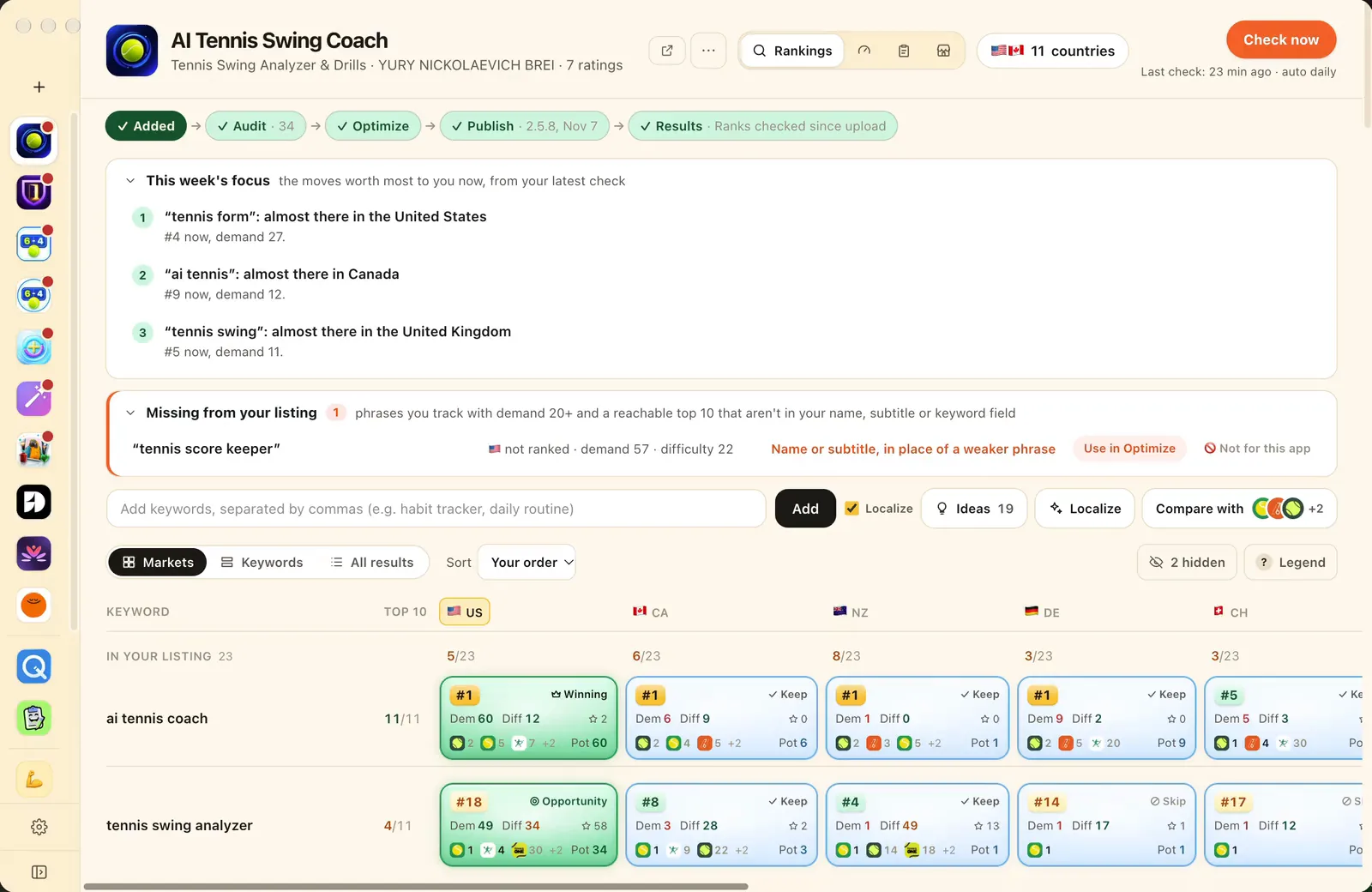
Rank, demand and difficulty for every keyword in every country, checked live on the App Store.